
BetterUI
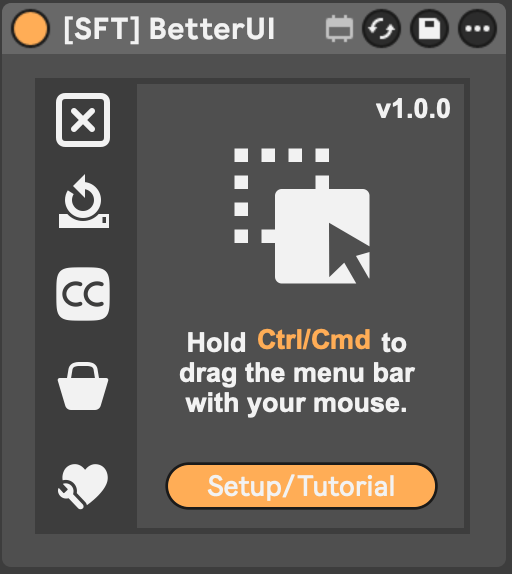
BetterUI brings the utility workflows I always missed in Ableton Live into one device — one that lives in Ableton's menu bar and feels like part of Live itself. Always there, one click away, without cluttering your session.
It handles the everyday things like coloring, cleanup and clip gain — and the things most workflow tools leave out: timecode output, external sync, and marker webhooks that trigger lights or other gear straight from your set.
What it does:
Everyday workflow
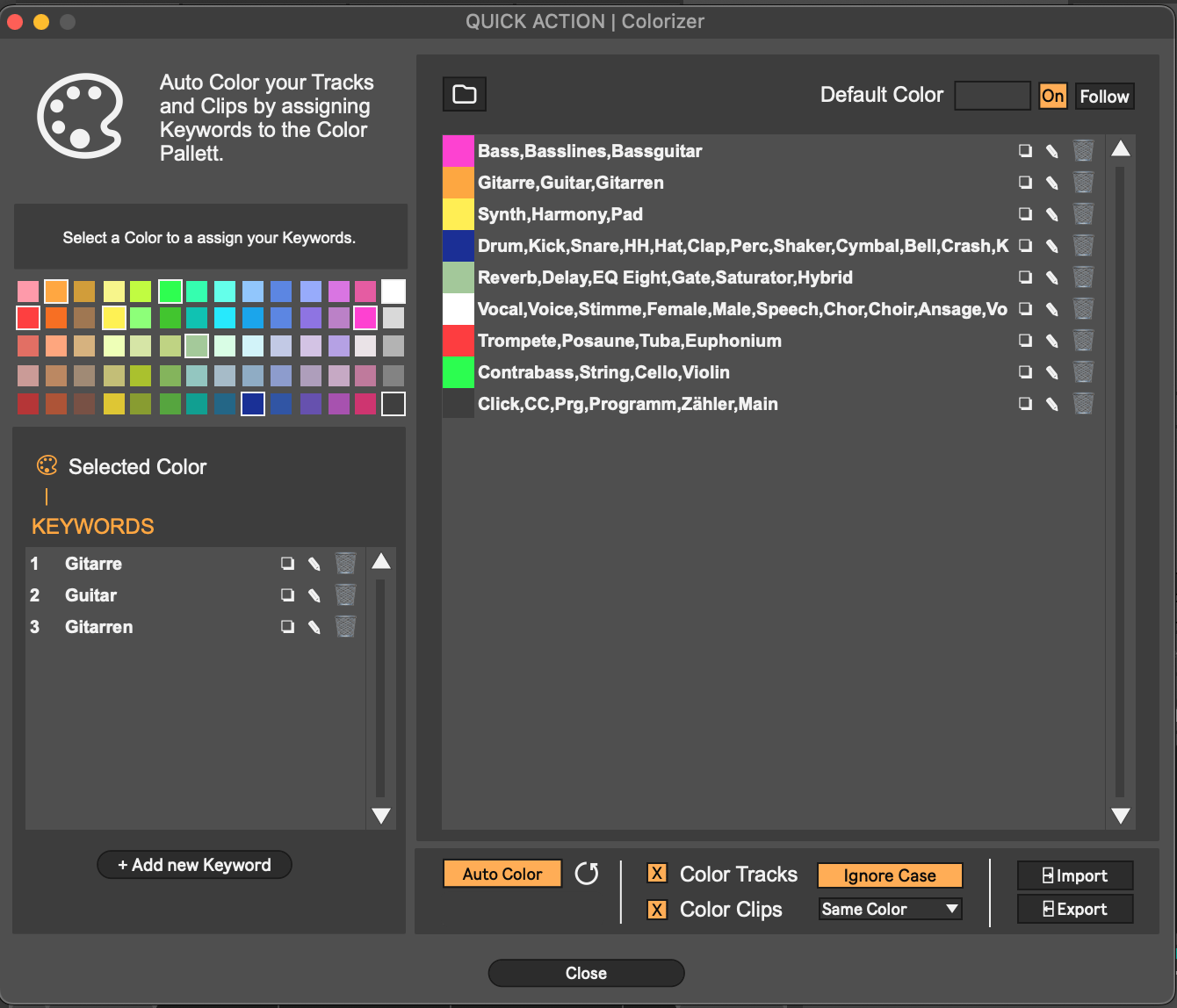
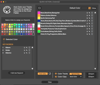
- Automatic track and clip coloring by name
Keep your sessions organized instantly with smart color assignment based on names.
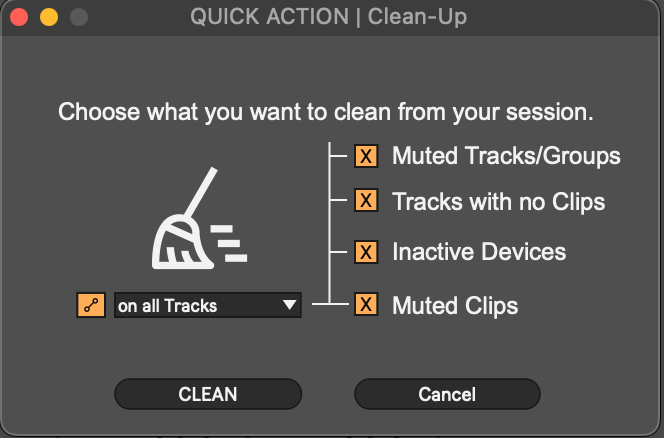
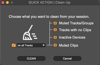
- Clean up your session with one click
Remove deactivated devices, muted clips, and empty tracks quickly and easily.
- Adjust clip gain and pitch faster (new)
Use shortcuts or a small overlay window to quickly change clip gain and pitch without opening the Clip View
.
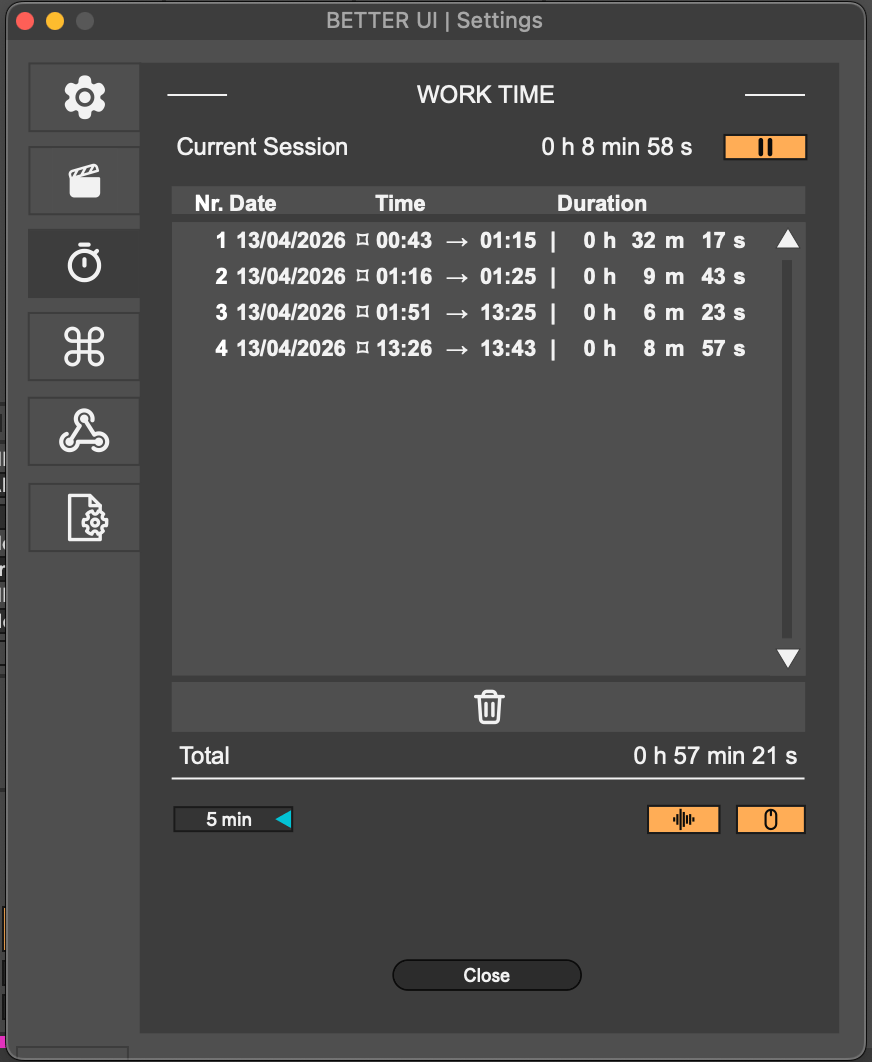
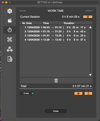
- Track your working time in Ableton
See how long you have been working on your set or project.
- Stay focused with the Pomodoro Timer (new)
Open a Pomodoro Timer directly next to the timecode display.
- Edit Options.txt features with ease
Enable experimental Ableton features without manually editing text files.
- Collapse all windows for a full session overview
Instantly create more visual space and keep focus on what matters.
Live & sync
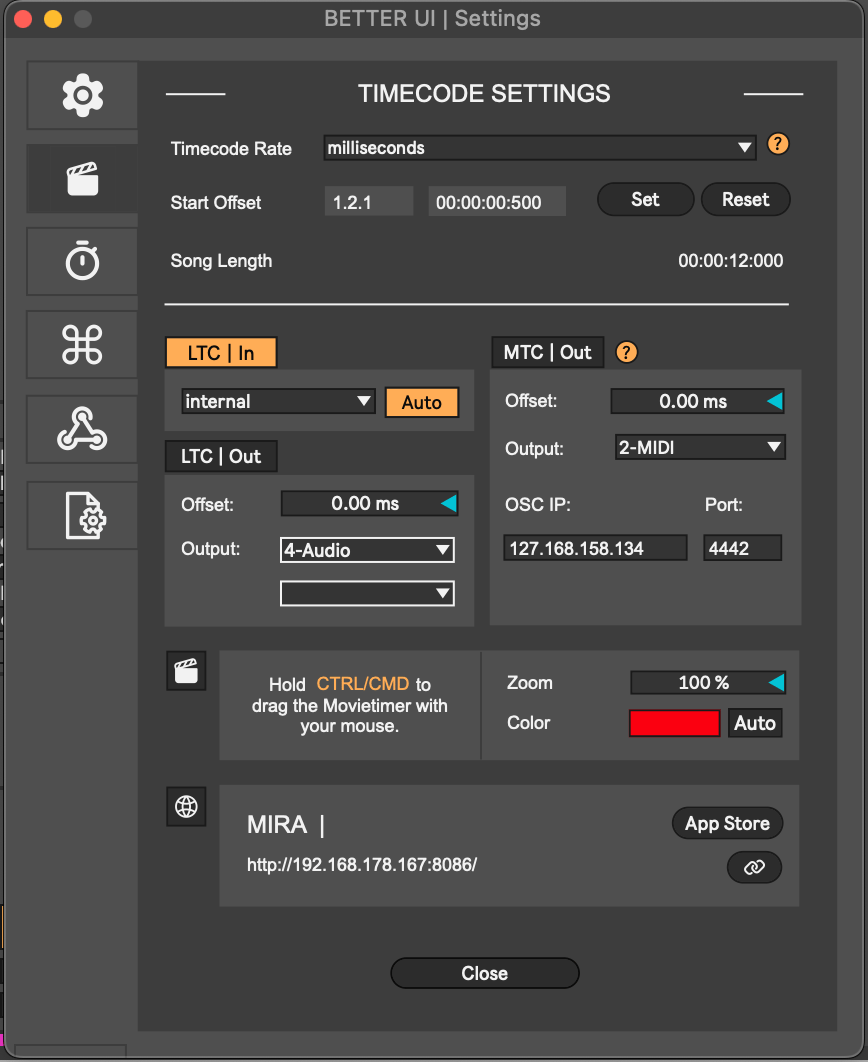
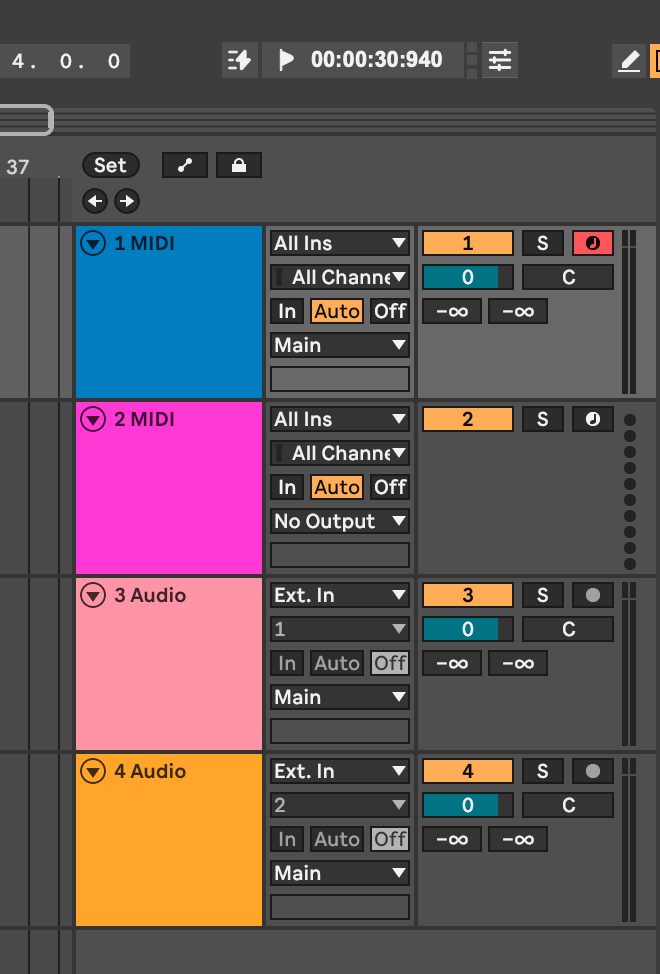
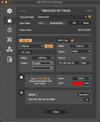
- Output LTC and MTC in any frame rate
Sync Ableton Live with other software and external systems reliably.
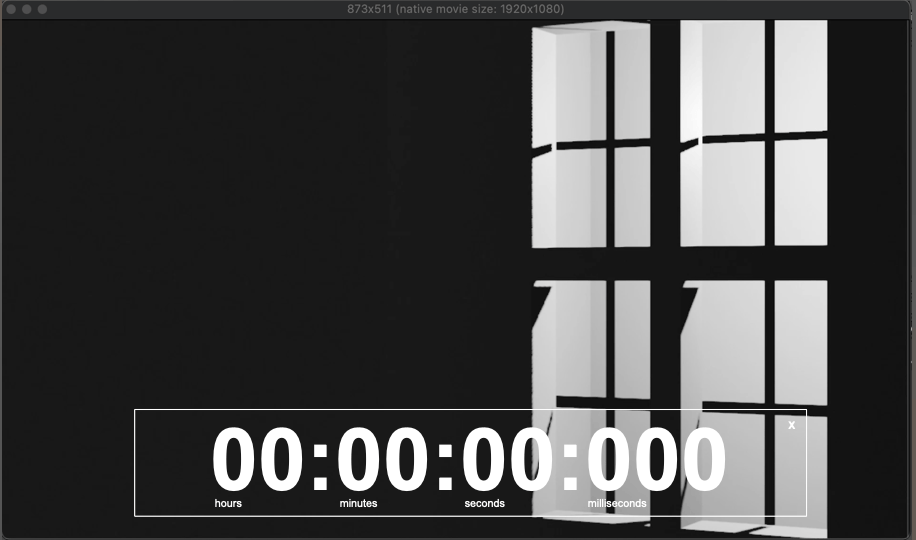
- Show timecode anywhere in your set
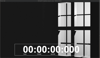
Add a visible timecode display to Ableton's menu bar or place it wherever you need it in your project.
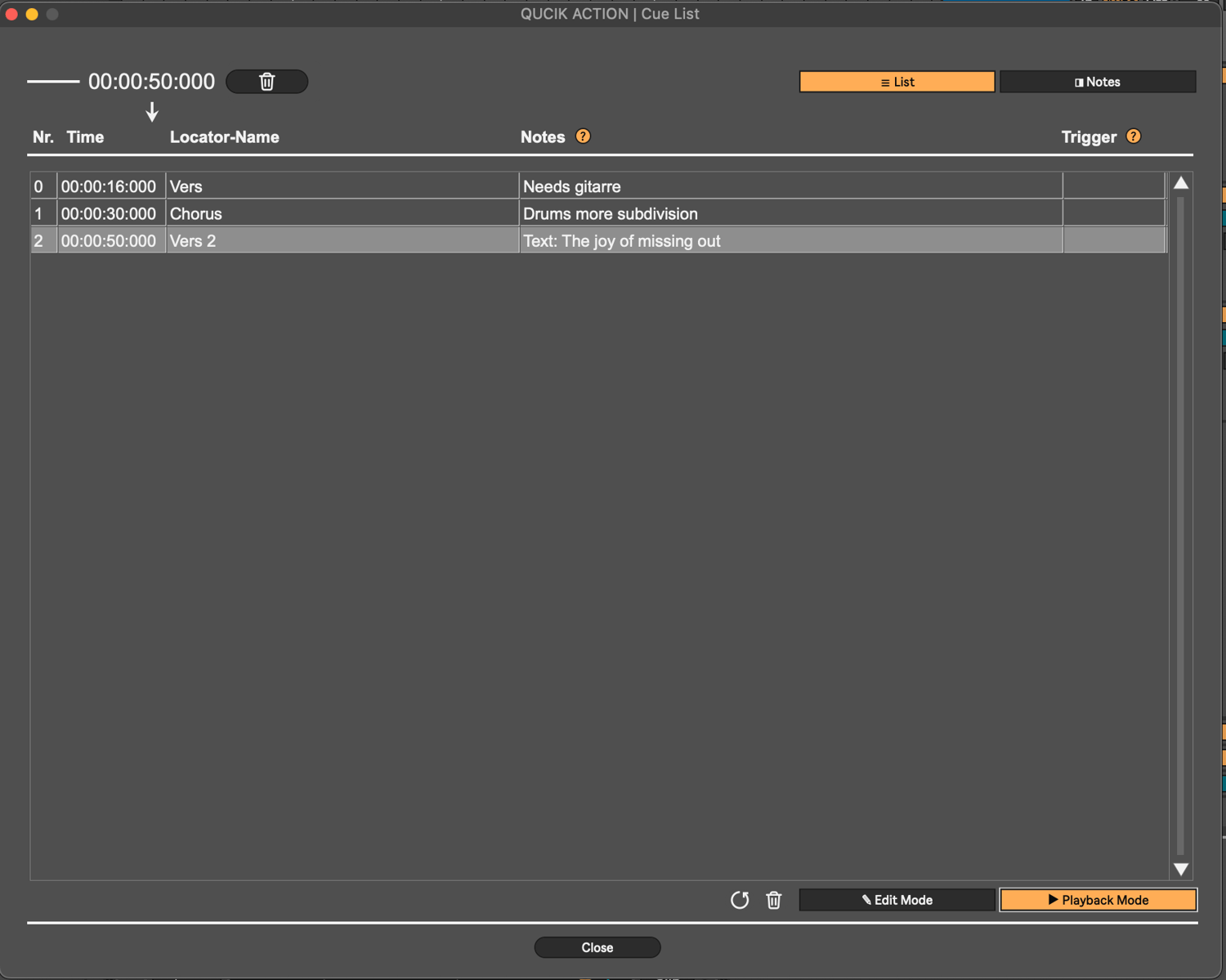
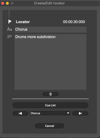
- Create markers with a simple shortcut
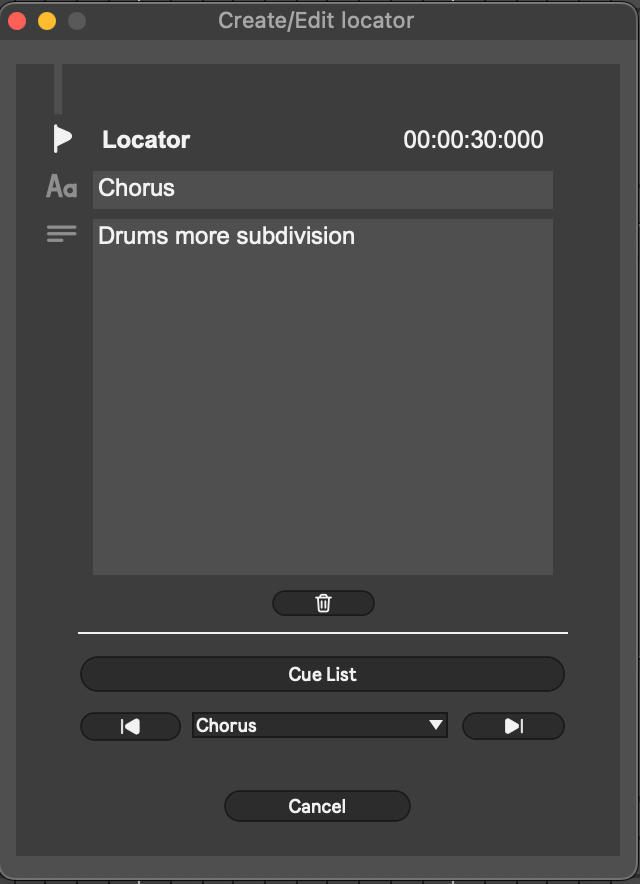
Manage them in a clear list view, jump between markers, add notes, and attach webhooks to trigger actions like controlling lights in your studio or room.
- Control Ableton Live from your tablet or phone
Use Mira to interact with your set remotely.
Tested with Ableton Live 12.3.6
*Free lifetime updates*
Inspiration
BetterUI was built independently. However, the Max for Live community has many great devices that solve specific workflow problems, and some of them inspired me to think about certain workflow ideas.
If you are looking for smaller, dedicated tools that focus on one specific feature, please also check out and support these developers:
Timer 1.0 by Sonder
https://maxforlive.com/library/device/8998/timer
SessionCleaner by LiveWorkflowTools
https://maxforlive.com/library/device/10003/liveworkflowtools-session-cleaner
Auto Track Colors by LiveWorkflowTools
https://maxforlive.com/library/device/6739/liveworkflowtools-auto-track-colors
ClipGain by Crampe
https://maxforlive.com/library/device/6720/clipgain-under-your-mouse
LTC Display by Leolabs 1.0
https://maxforlive.com/library/device/9078/ltc-display-by-leolabs
Technical references
The following tools and resources were helpful references while developing certain technical features in BetterUI:
Transport Time by Dirty Secrets
https://dirtysecretz.gumroad.com/l/transport-time
LiveMTC by Showsync
https://support.showsync.com/sync-tools/livemtc/introduction
fp.Time 2.5 by eltnet
https://maxforlive.com/library/device/4558/fp-time
Similar tools
Here are some more devices I only became aware of after building BetterUI. They also offer individual features that overlap with parts of BetterUI and are worth checking out:
Ableton Secret Tin by Ostin Solo
https://ostinsolo.co.uk/devices/Ableton-Secret-Tin
Locator Manager by KILLIHU
https://isotonikstudios.com/product/locator-manager-by-killihu/